About
Services
On site
Photos
Testimonials
Q & A
Bar Celona
Call
Schedule
Bar Celona
Call
Schedule
About
Services
On site
Photos
Testimonials
Q & A
Search
View as visitor
How to use admin
Colors
Log out
How to use admin
Red Edit buttons change the words or photo in that spot. The layout stays the same.
Paragraph boxes have bold, italic, underline, line breaks, lists, and links. Headings, button labels, quotes, hours, and photo descriptions stay plain text.
On the home page, Edit on the top banner changes the photo, the season line, and the three boxes. Those boxes still open the same pages.
Edit on Welcome changes the place, the name, and the paragraph under the banner.
Edit on The company changes the headings, the four paragraphs, and the four points under them.
The top banner plays as a slideshow. Edit on that banner changes the opening photo, the season line, and the three boxes. Edit on the slideshow changes the photos that follow, and those photos also play beside the welcome text. Each photo has a description.
Edit on the home page services section changes the heading. Change the service cards on the Services page.
Each page banner has its own quote. Edit on that banner changes only that quote. Gallery pages share one quote. The home page banner does not use one.
On Services, Edit changes the banner photo and the words above the cards, including the section headings.
Add a class, Edit, and Delete change a class. A class needs a name, ages, a day with a start and end time or a note when the day is not set, a price per month, per hour, or per half hour, a section, and a description. Show on the home page puts that class on the home page.
Open the class desk to hide a class or move it up or down. A hidden class stays in the desk and leaves the public schedule, the home page, search, and registration.
On On site, Edit changes the banner, the heading, and the two paragraphs. View project opens that project’s photographs.
On Photos, Edit changes the banner, the page heading, and an album’s title and cover. Add a gallery starts a new album. Inside a gallery, Add a photo can include a description, and Remove takes a picture out.
On Testimonials, Edit changes the banner, the headings, the paragraph, and the two button labels. The written notes stay on the page.
On Contact, the map, office hours, and Get directions button are under the form. Get directions opens Google Maps.
On Q & A, Edit changes the banner and the introduction. Add a question, Edit, and Delete change the questions and answers.
On Contact, Scheduling, Project photos, and inside a gallery, Edit on the banner changes that page’s quote. A gallery quote appears on every gallery page.
Colors on the class desk changes the main site colors. Use original colors puts this scheme back.
View as visitor hides the editing buttons and brings the admin button back. This bar stays so you can switch back.
Log out ends the session on this browser.
On the live site, a save shows up after the site rebuilds.
Class desk
Edit
“
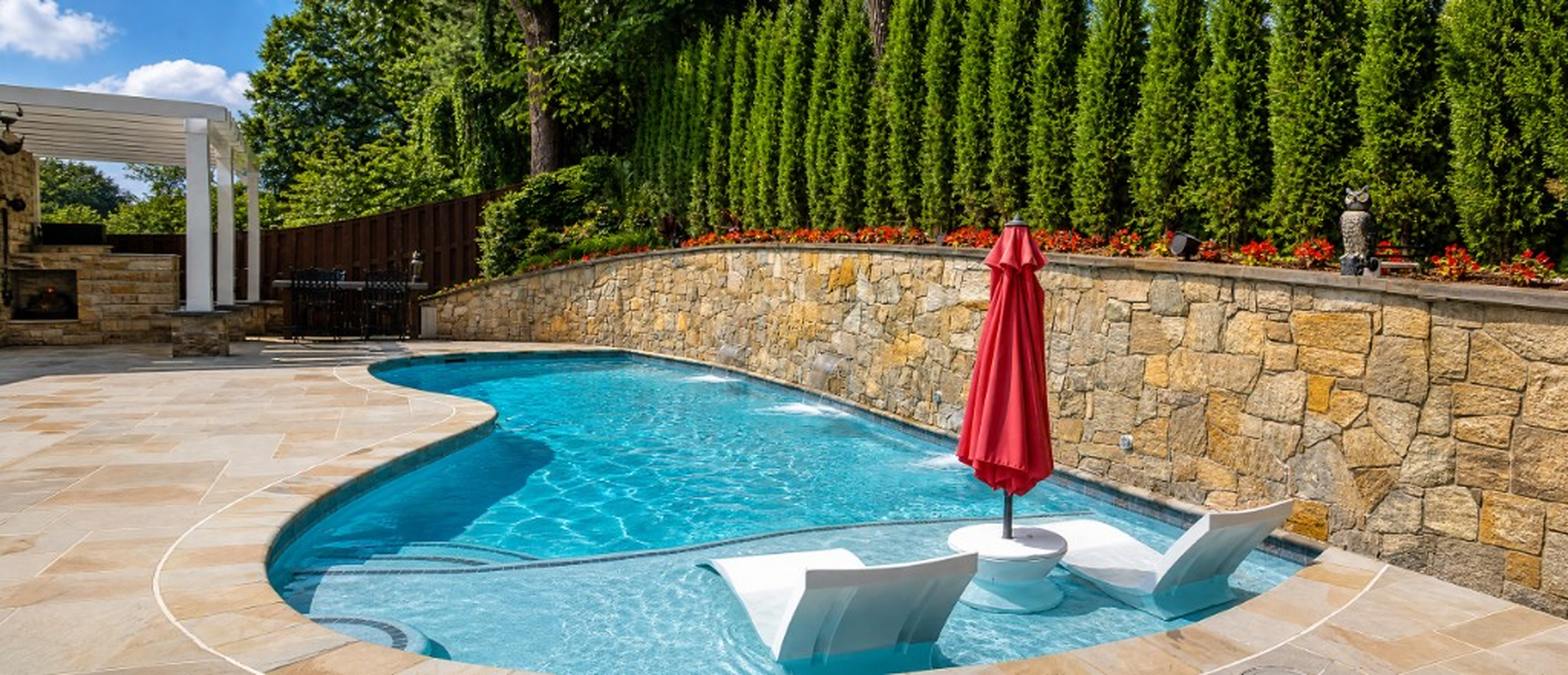
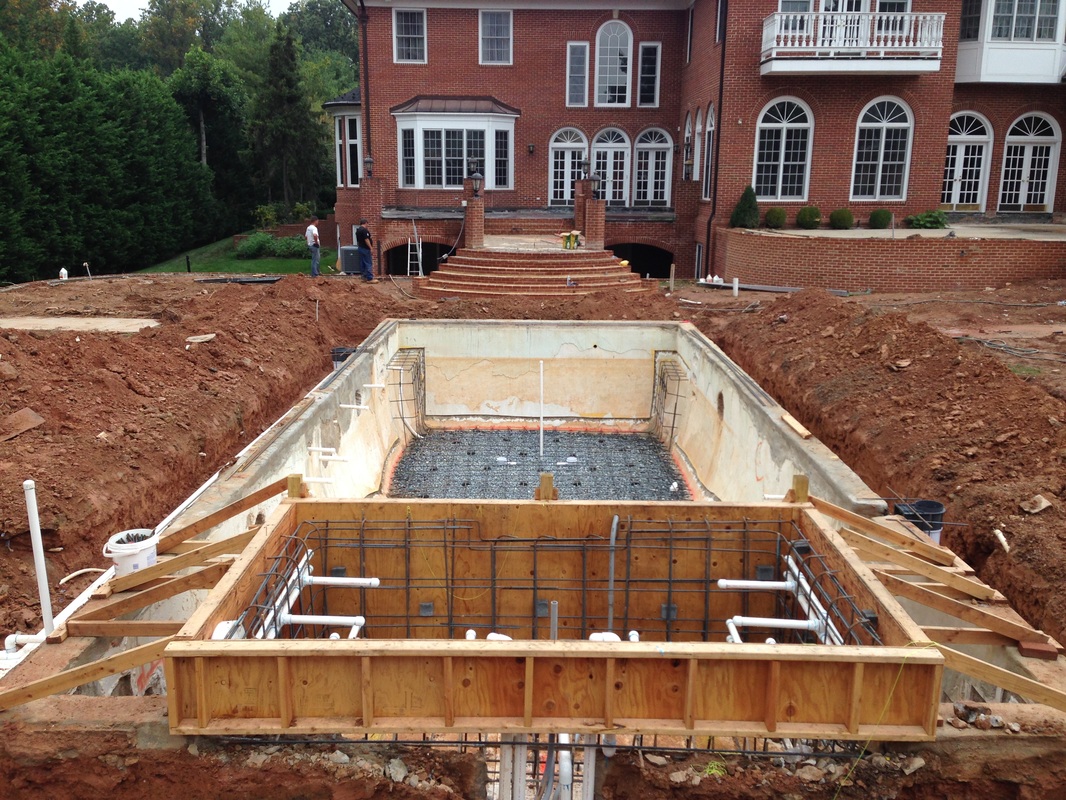
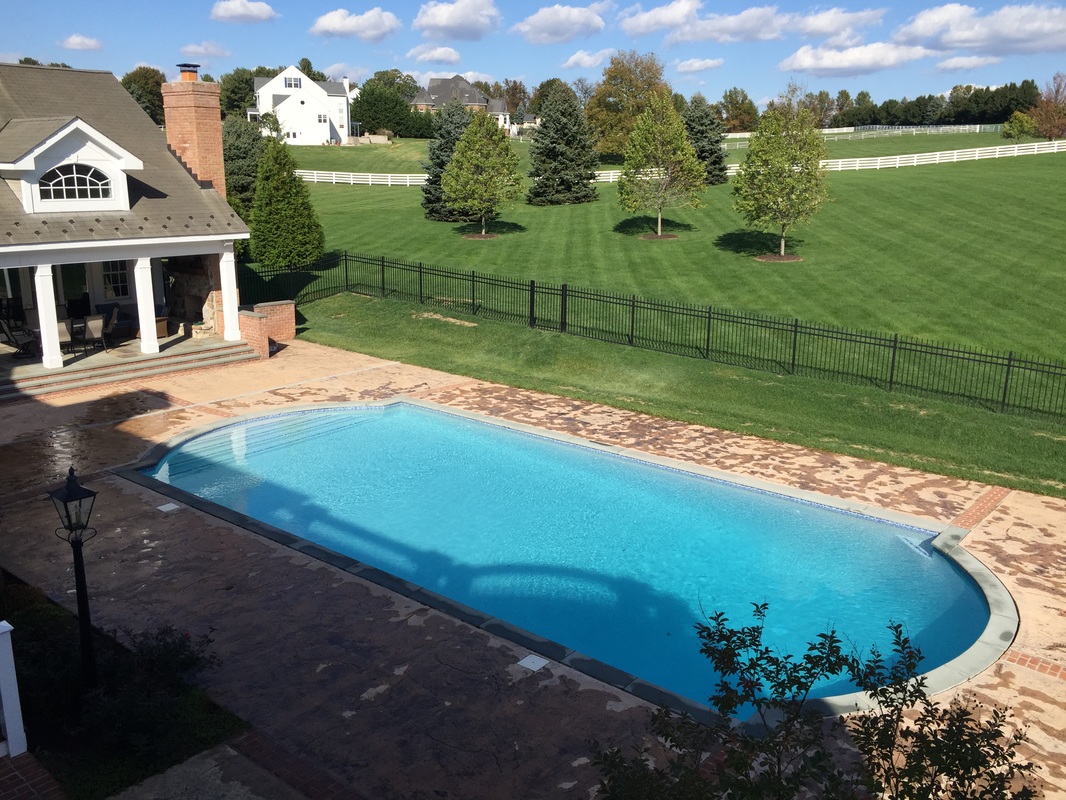
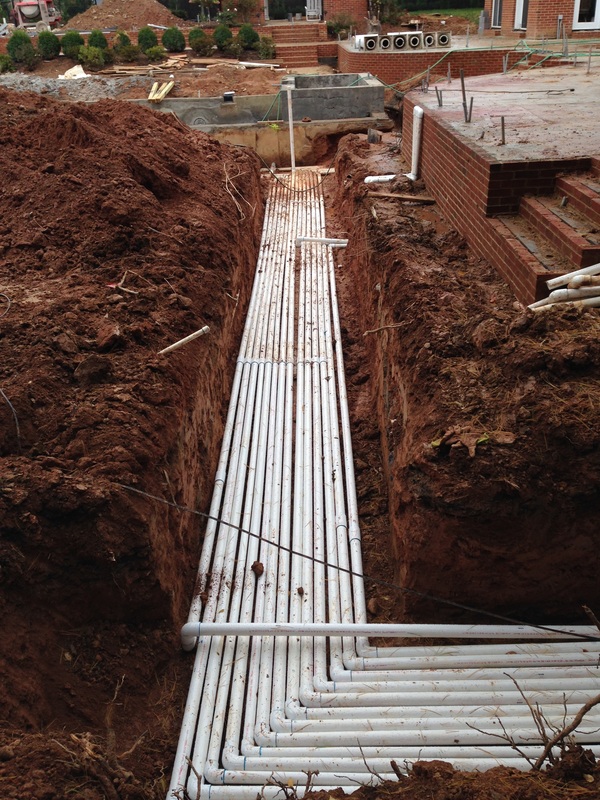
Renovations, plaster, tile, and decks from Atlantic Pools projects.
”
Home
/
Photos
Edit
Photos
Project photos
Photos from Atlantic Pools
Add a gallery
Edit
Residential renovation
Edit
Commercial spa renovation
Edit
Plaster
Edit
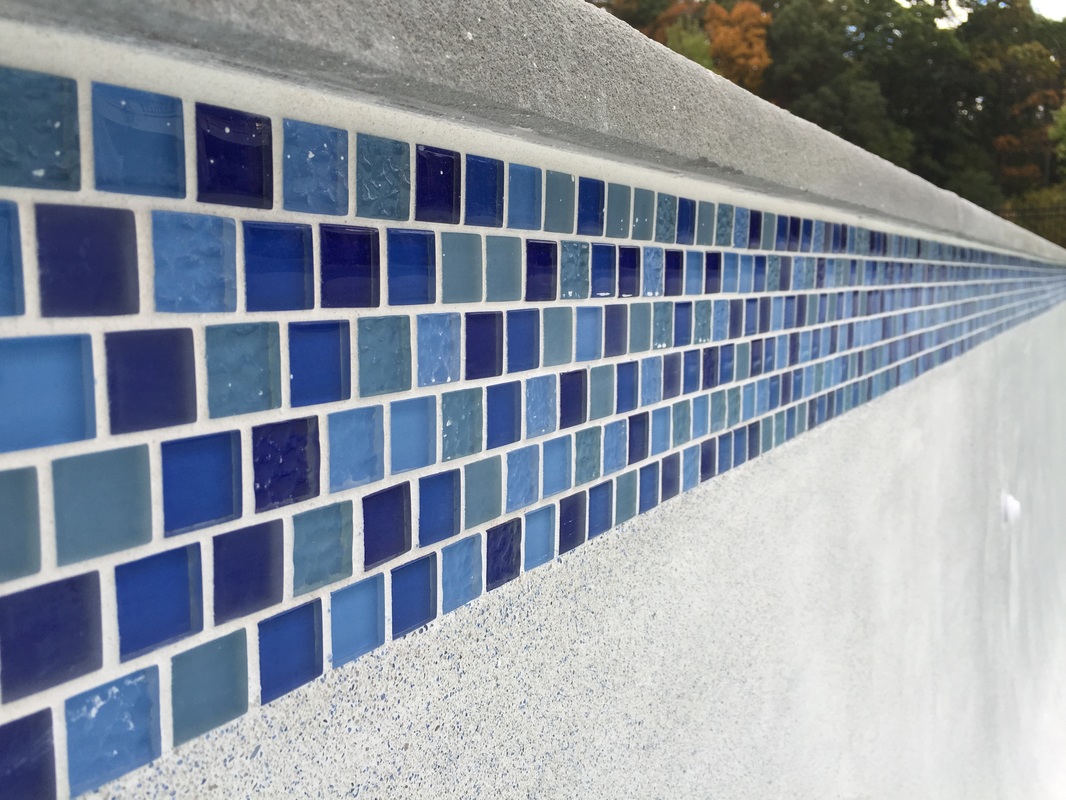
Tile and decks
Edit
Structural changes
Edit
Save
Cancel
Close